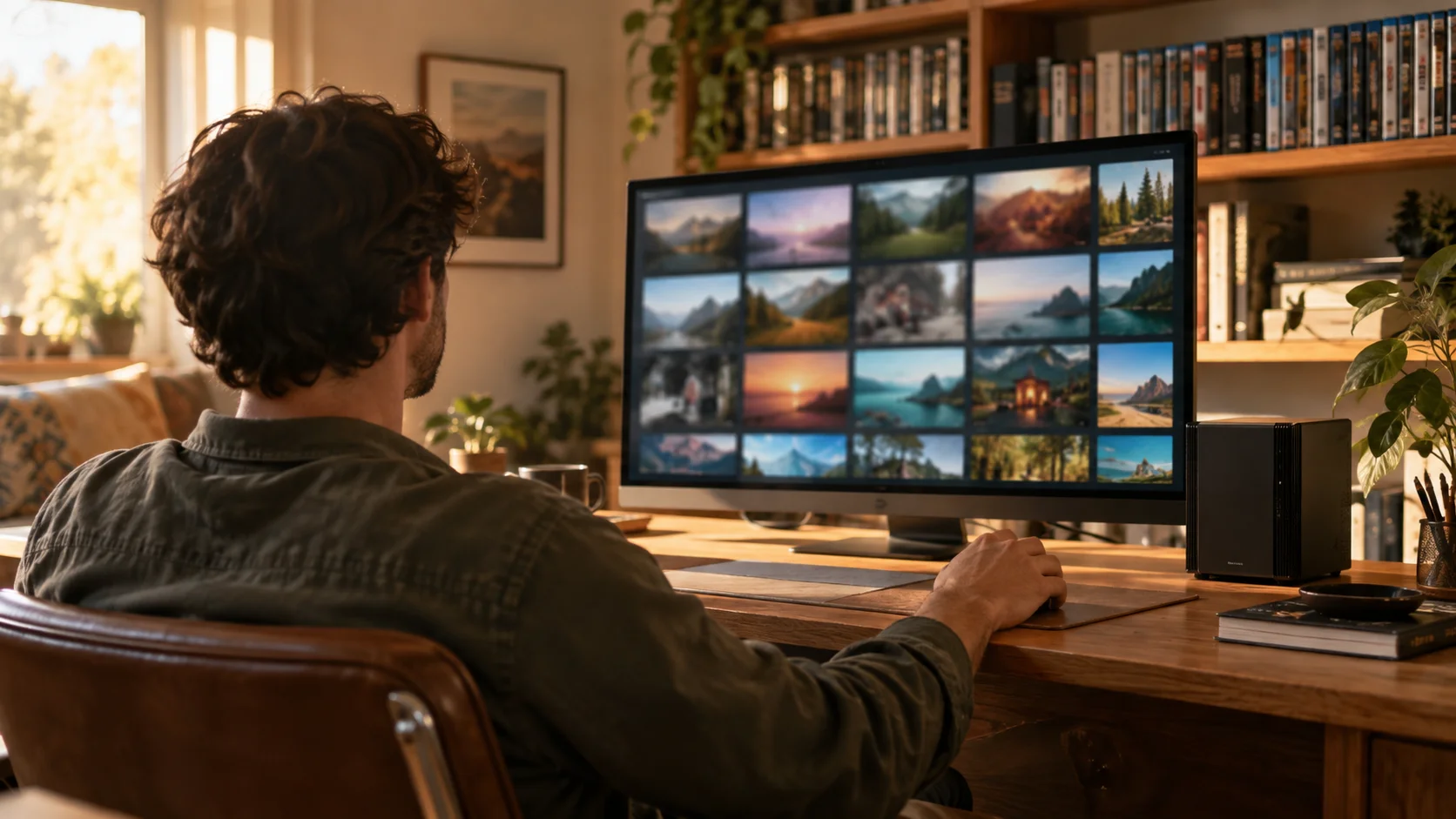
Your movies and shows, organized into a library that looks and feels like the streaming apps you already know — except everything in it is yours.
Point it at your Movies and TV folders and it catalogs everything into a clean, browsable grid — no manual tagging.
Each title gets its poster, cast, description and year pulled in automatically, so your collection looks the part.
Find anything fast by title, actor or release date — and see at a glance what’s new or what’s missing from a series.
It’s all yours. Beebo Entertainment ships with no media of its own — it simply organizes and plays the collection you already have on your home computer.
FOLLOW THE NUMBERS
Existing Android screenshot from an earlier build. Labels or layout may differ in your version. Sample library content is not included with Beebo.
FOLLOW THE NUMBERS
Existing Android screenshot from an earlier build. Labels or layout may differ in your version. Sample library content is not included with Beebo.
Movies, shows and Continue Watching — the same on every screen in the house.
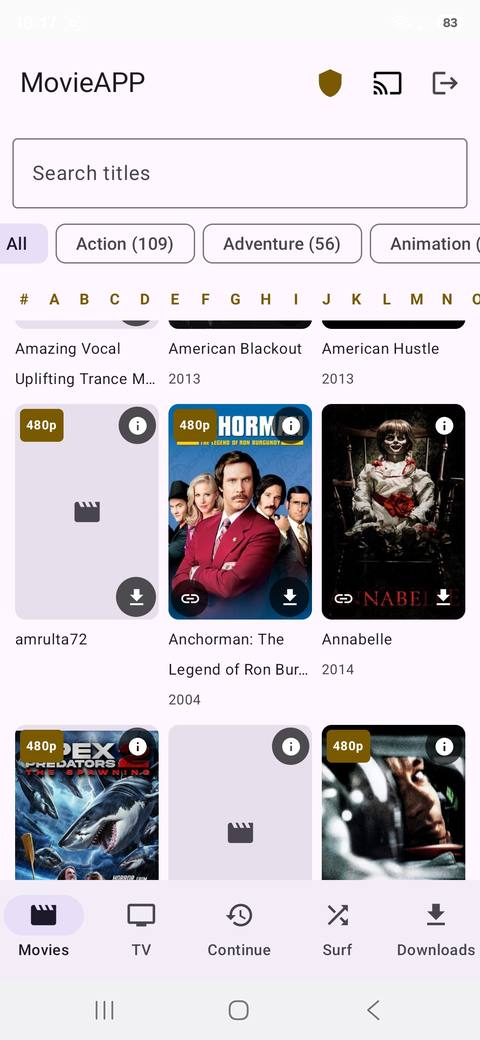
Movies
Posters, search and an A–Z index.
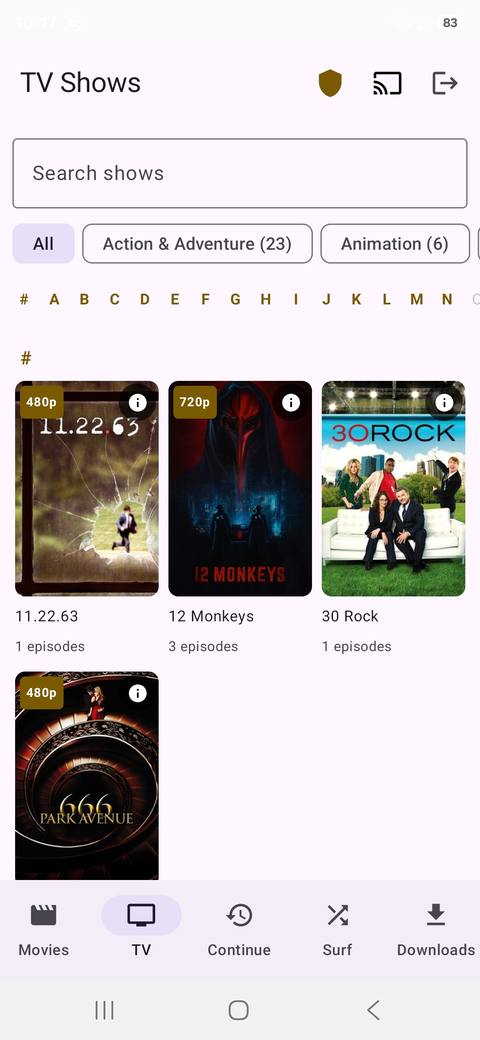
TV shows
Series with episode counts.
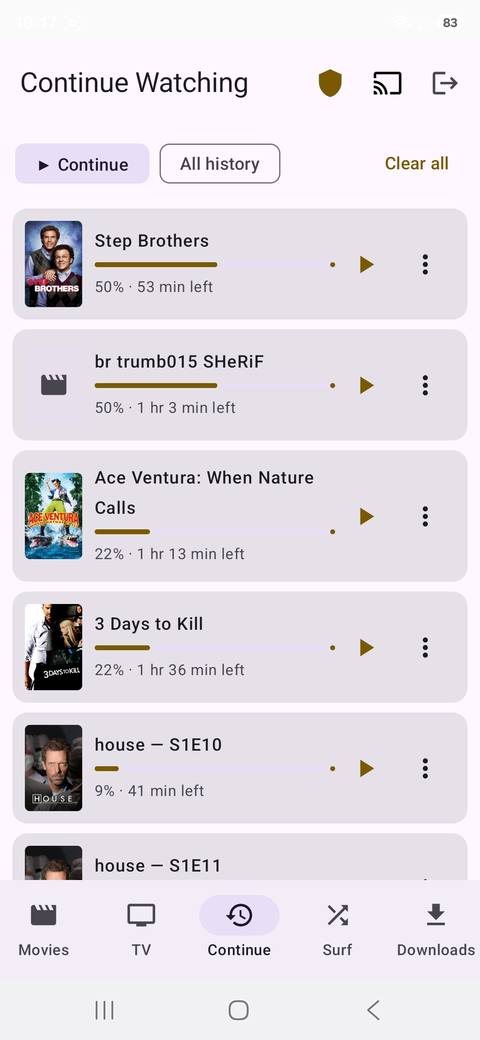
Continue Watching
Everyone’s progress, saved.
